

Import LinkedIn Organic data into monday.com
The easiest and most flexible way to Import LinkedIn organic posts and metrics into monday.
Loved by 100s of teams. Over 100,000 imports and counting...
“Data Importer sets a high bar for customer service and I love it. A great example of continuous improvement and meeting customer needs.”

“Data Importer is an incredibly helpful tool...the developer was on hand to help in any way we needed. Great service!”

Multiple sources from one app
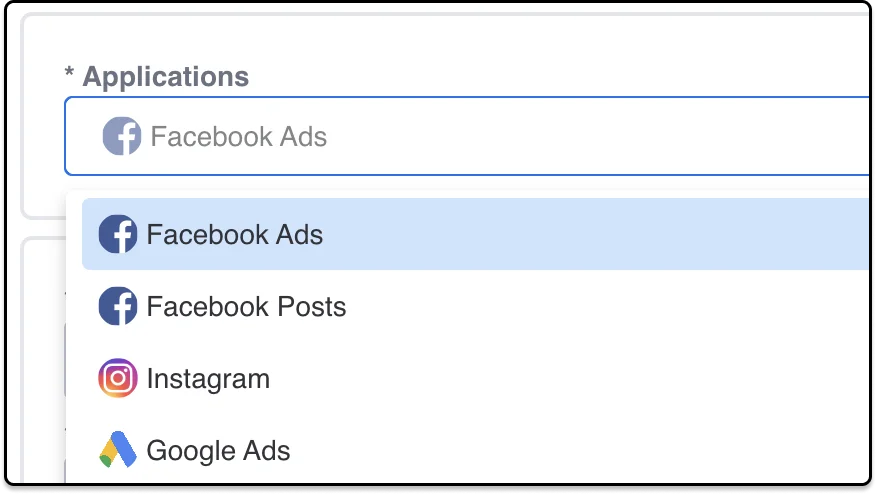
Easily bulk import your business data into monday.com from your most important applications.
Customise your import
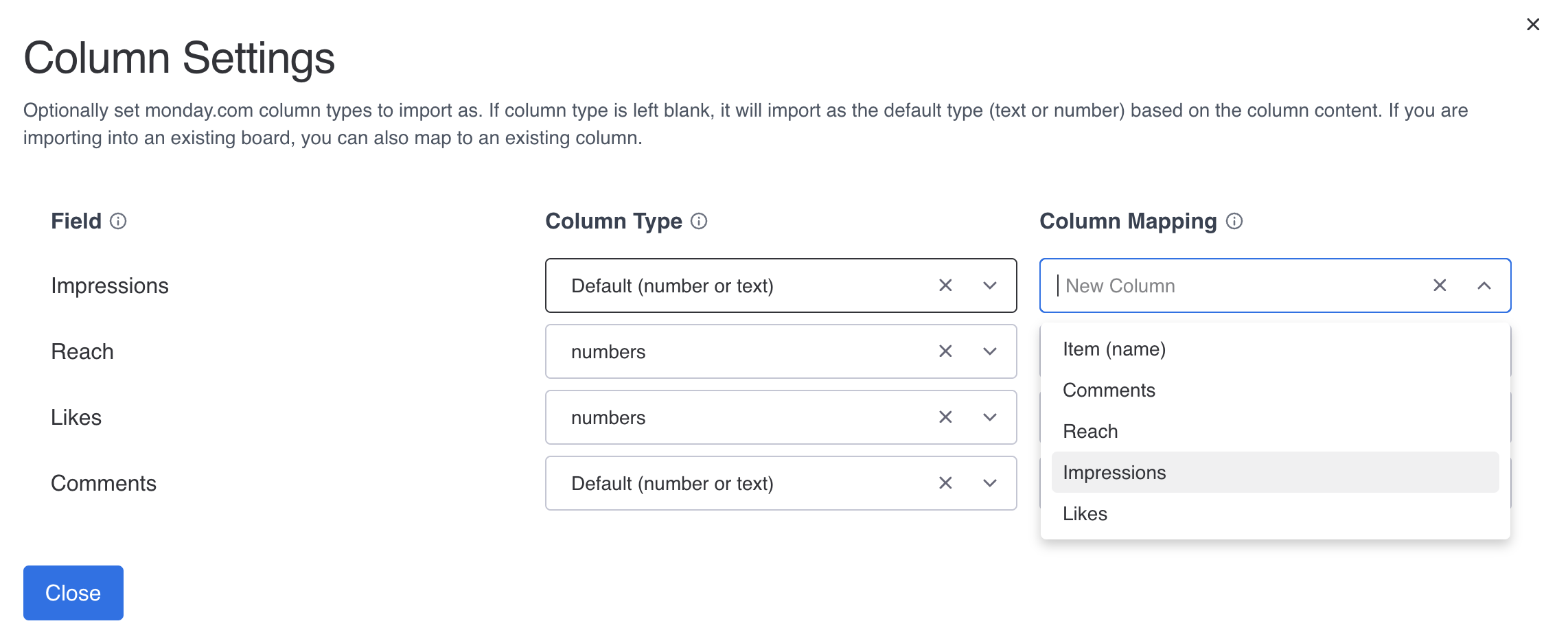
Data Importer is extremely flexible and can work with monday.com column types. Map your columns, update existing items and control how your import syncs.
Schedule imports
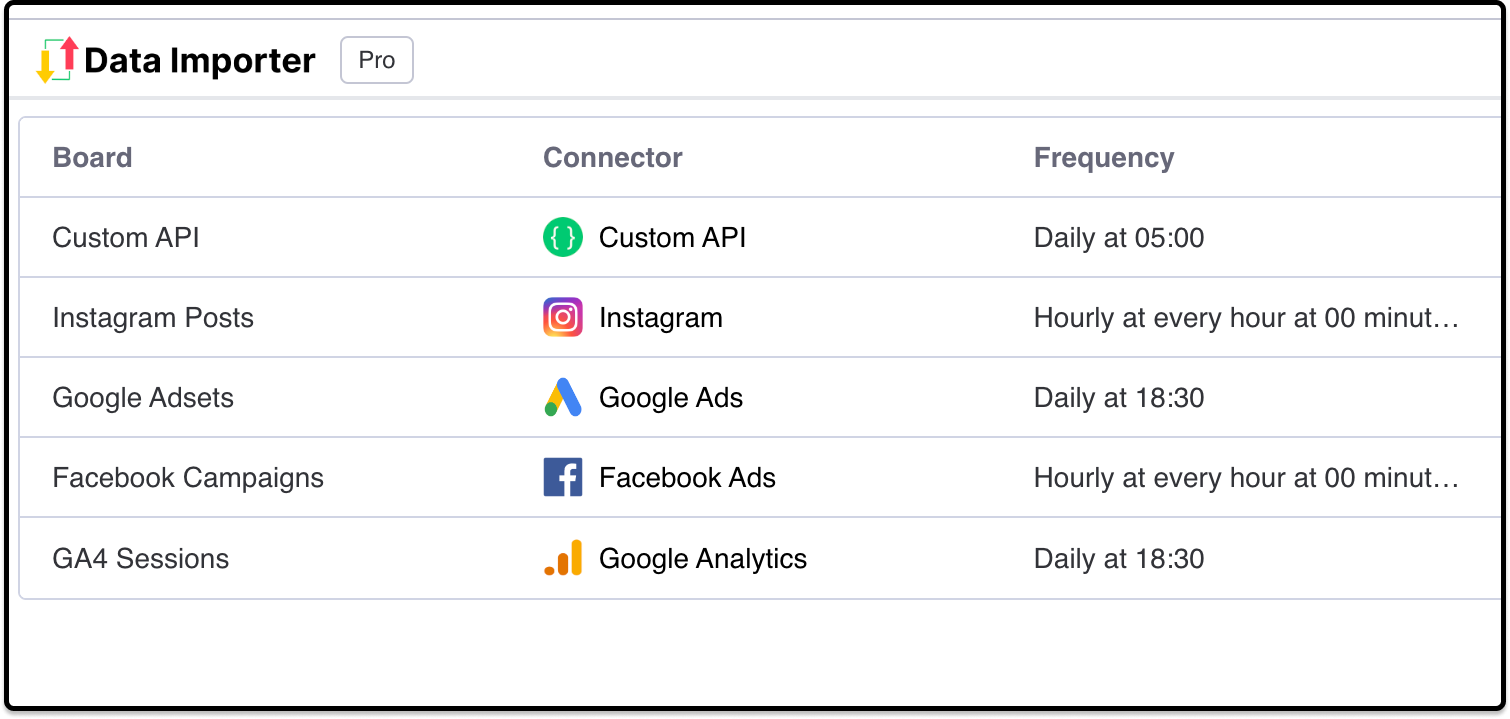
Import data on a custom schedule, even when you are offline to have your metrics update automatically.
Use data already in your board
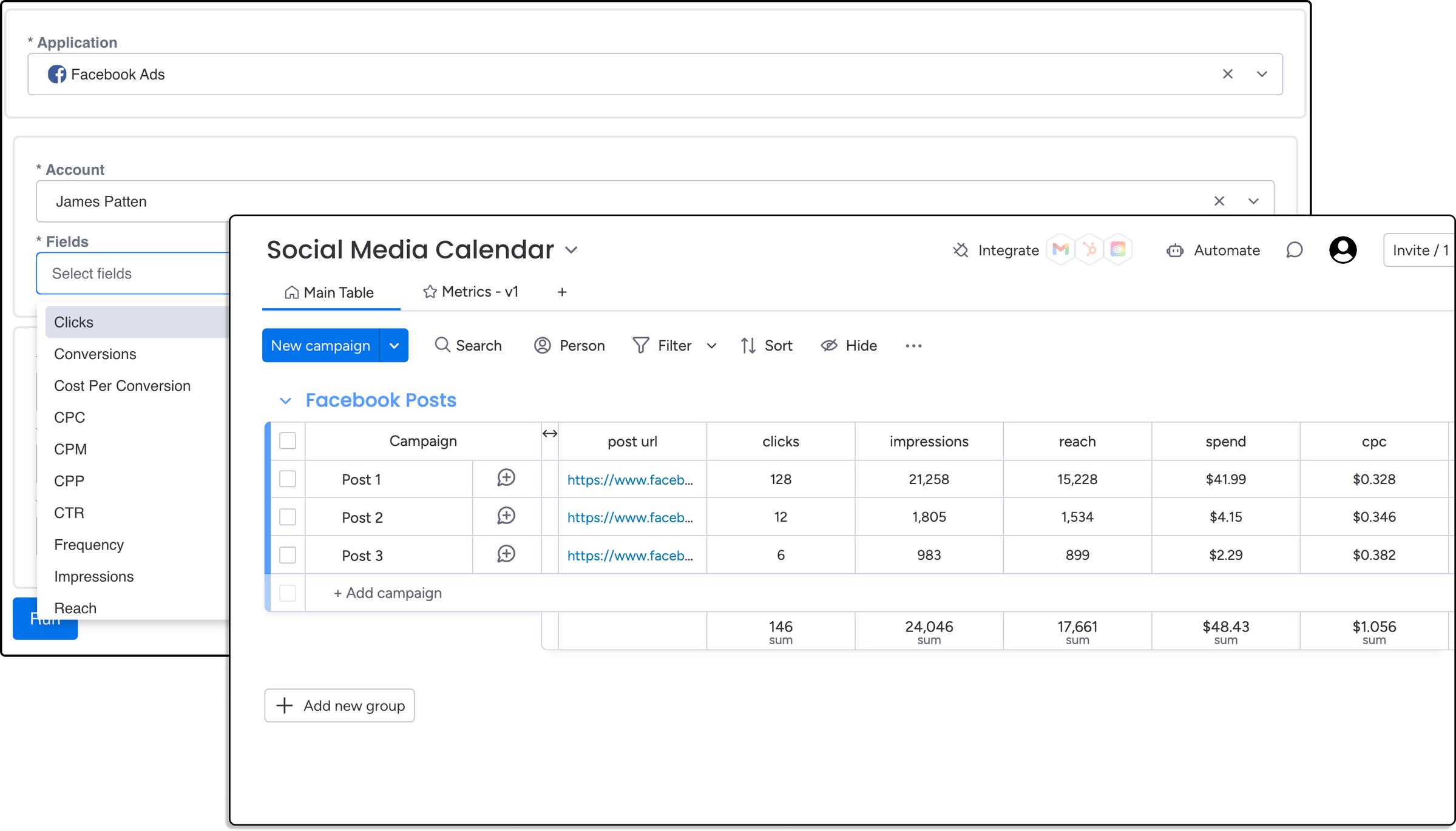
Import data based on your existing monday.com items such as account ids or post urls. Great for adding metrics to social media calendars.
Why integrate LinkedIn Organic with monday?
LinkedIn Organic covers the unpaid posts you publish from your company page, from text updates to images and articles. Businesses use it to build their brand, share news, and engage with customers, partners, and prospective hires.
Data Importer allows you to integrate LinkedIn Organic data with monday through an intuitive interface that works seamlessly with monday.
Having your LinkedIn post data in monday allows you to track impressions, clicks, reactions, and engagement rate alongside your content calendar, and see which types of posts perform best.
“The app aims to solve a range of real problems and is well made and affordable. When we requested a change to the required input values for a particular column type, James pushed a working update first time in no time without fuss.”

Start importing for free
Install Data Importer from the monday.com marketplace. Free forever for one board.
Add to monday.com