How to import Facebook Ads metrics into monday (Integration)
In this simple tutorial, we’ll show how you can easily integrate metrics such as impressions, reach and clicks for each of your Facebook Ads using a monday.com app called Data Importer.
Install the Data Importer app for monday.com
- You can install the Data Importer app from the monday.com app marketplace.
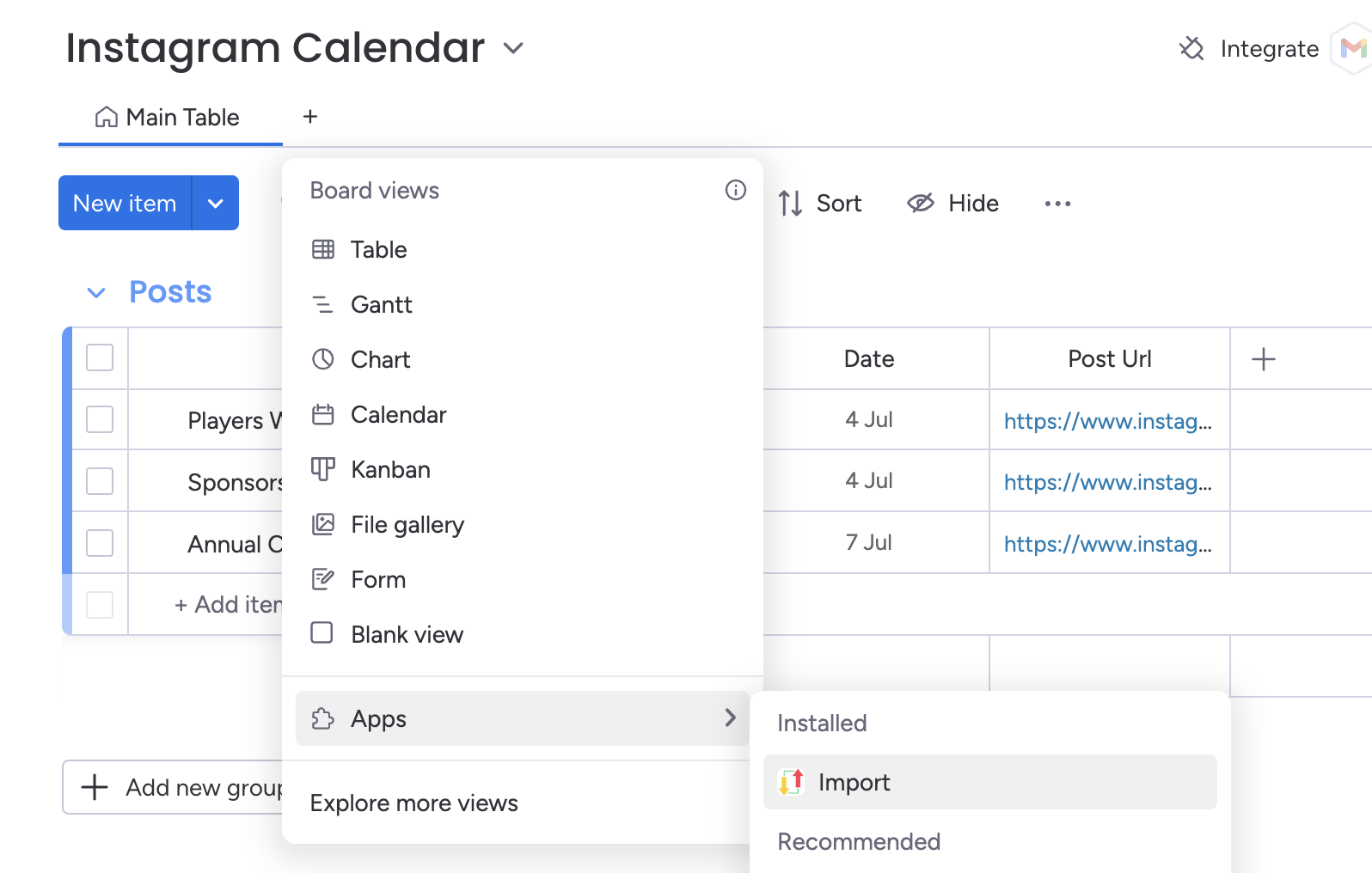
- Once you’ve installed the app, you can return back to your board, then press then press the add view button.
- Select the ‘Board views’ dropdown, press ‘Apps’ then select the ‘Data Importer’ app. This will load a new board view with the Data Importer app.
Connect to your Facebook Ads Account
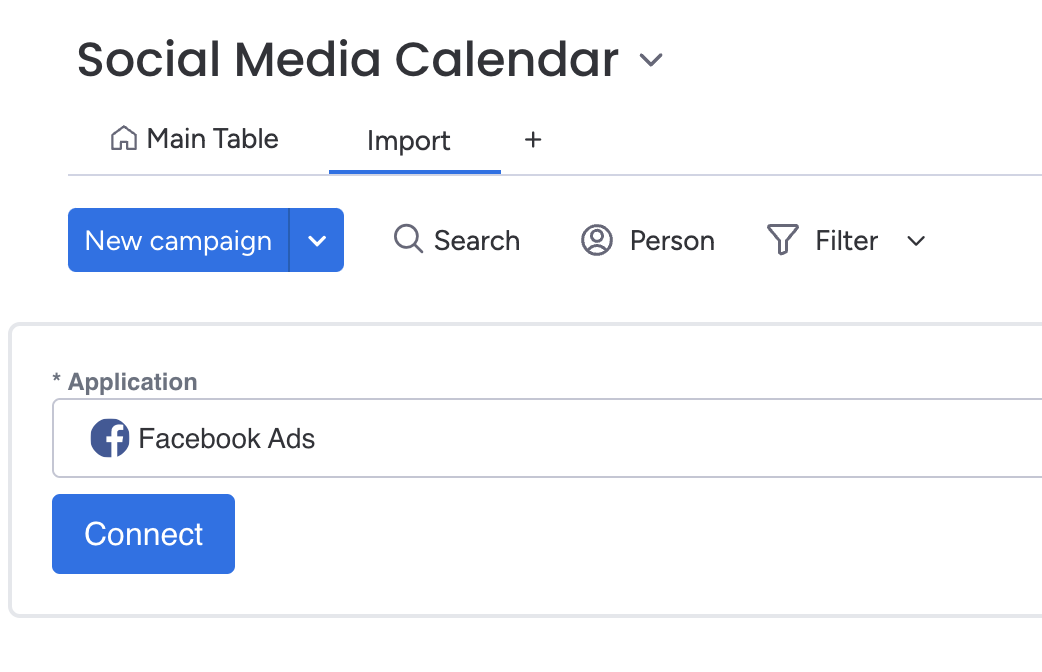
- Select the Facebook Ads application from the dropdown list, then press the blue Connect button.
- A new tab will open up that will allow you to connect your account with Facebook. Choose the Facebook account and pages that you want to authenticate for. You can always connect to a different account later if you need to.
Select your options
- Once you’ve connected your Facebook account, you’ll be redirected back the Data Importer app.
- Select the Facebook Ads account you want to import metrics for.
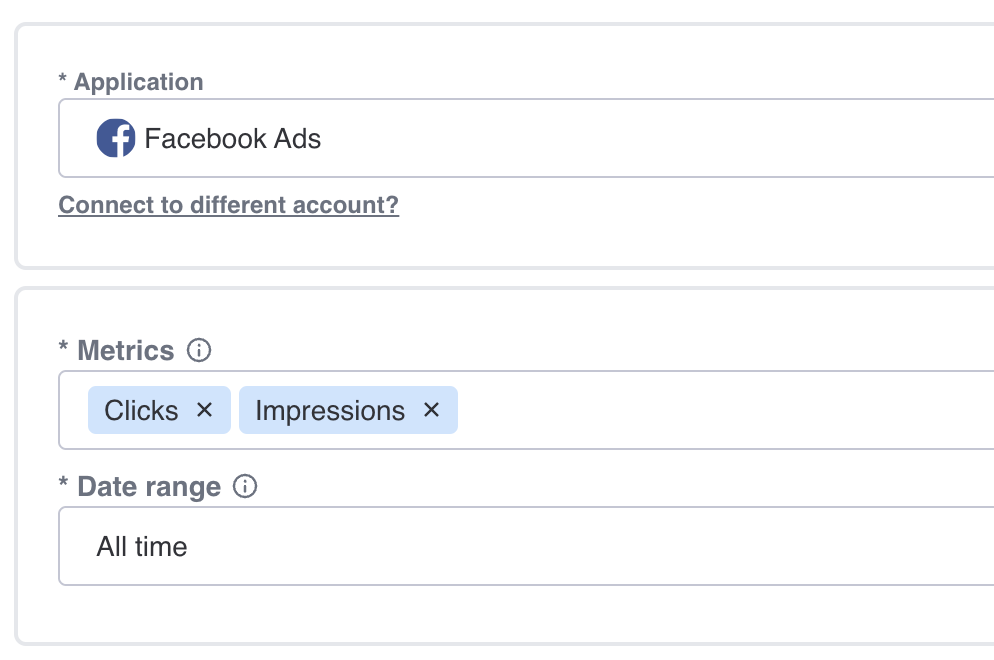
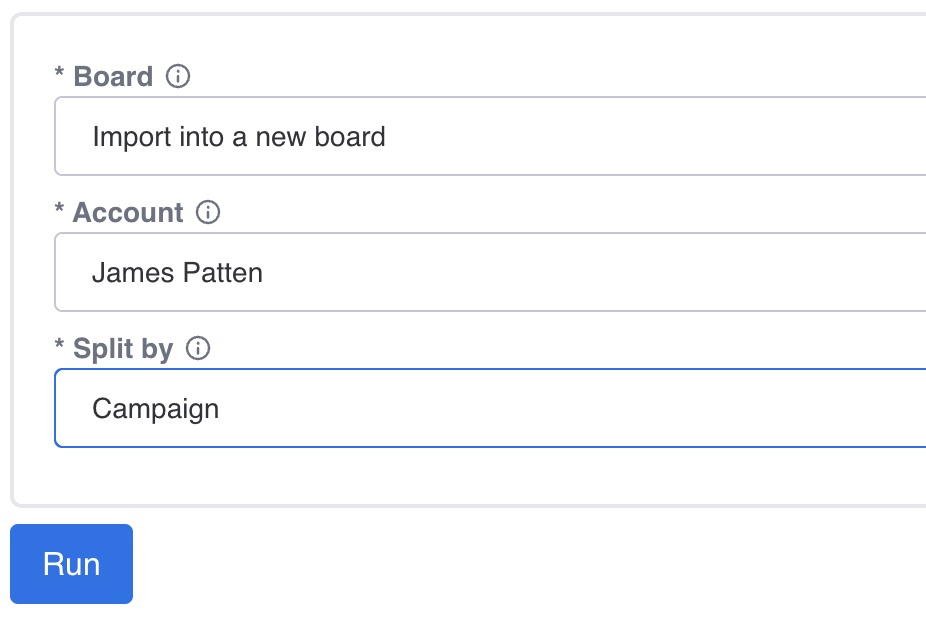
- For the Board option, select 'Import into a new board'. Select the Facebook Ads account you want to integrate data for and how to split the data. You can split the data in three ways:
- Campaign: will import your metrics aggregated to the campaign level
- Ad set : will import your metrics aggregated to the ad set level
- Ad: will import your metrics at the ad level without any aggregation
Press Run and View Your Data
Once you’ve filled out all the required fields, press the blue Run button.
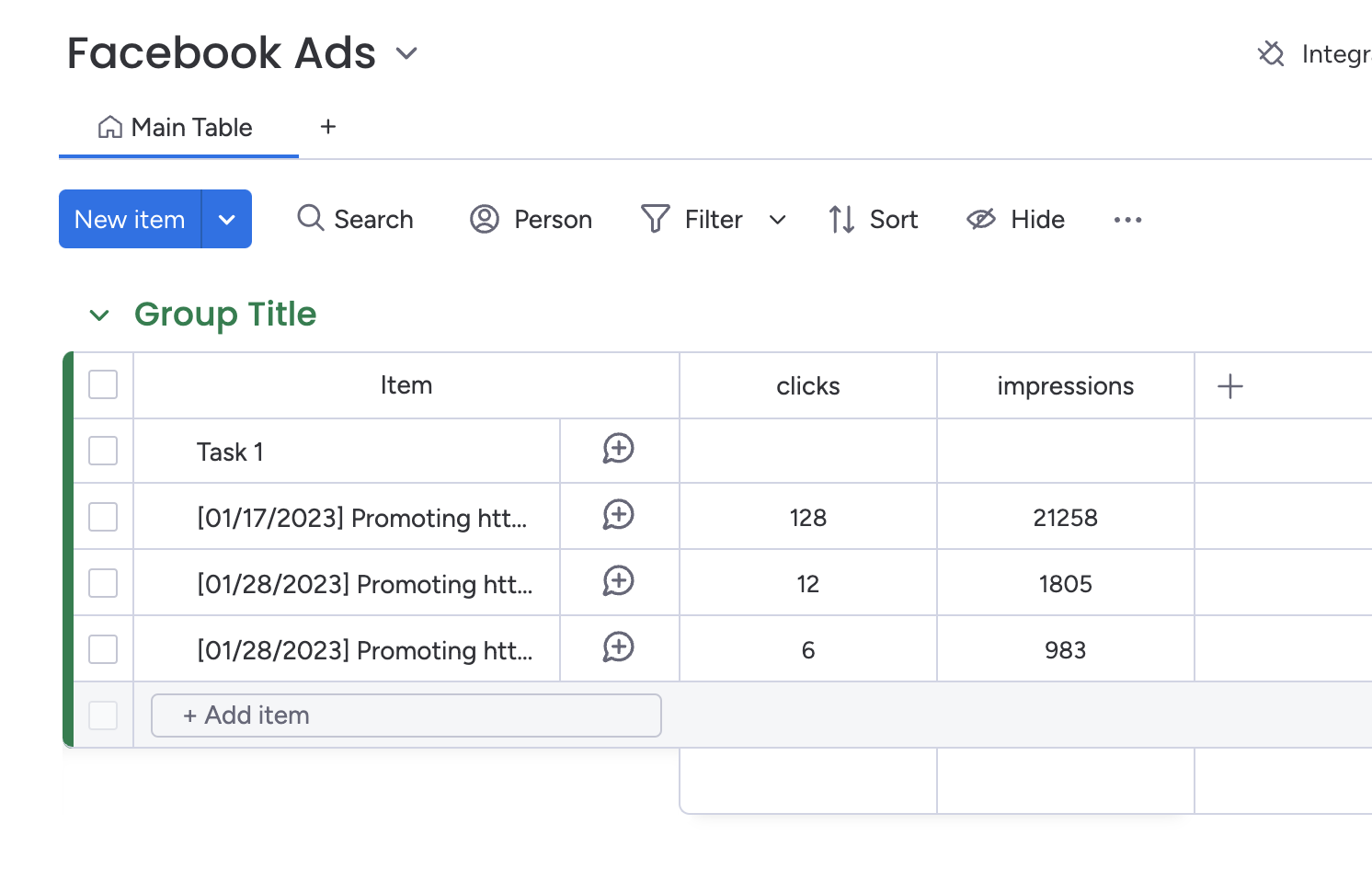
When the run is complete, press the button to view the board. You’ll see a new board created called 'Facebook Ads' which will contain your imported metrics.
Automatically Integrate Facebook Ads with monday.com
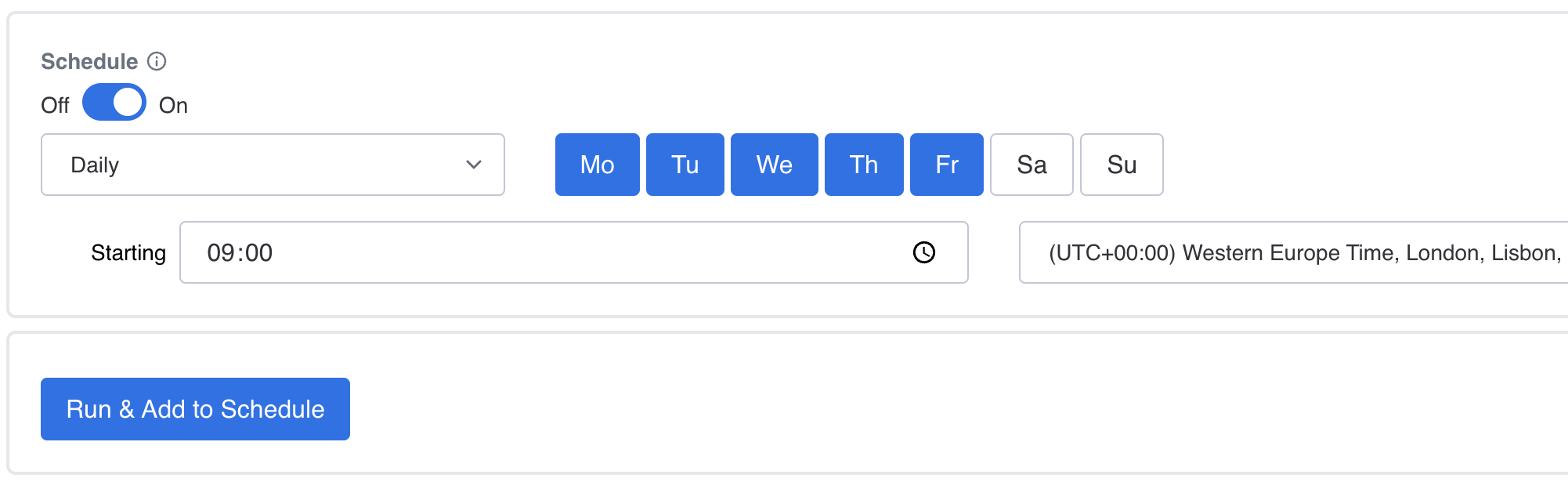
Now that you know how to import Facebook Ads into monday.com, you can automate your imports by using Data Importer's scheduler. This means your boards will automatically refresh with the latest data, even when you're offline or not signed into monday.com
You can customise the schedule by frequency, days of import, time and timezone.
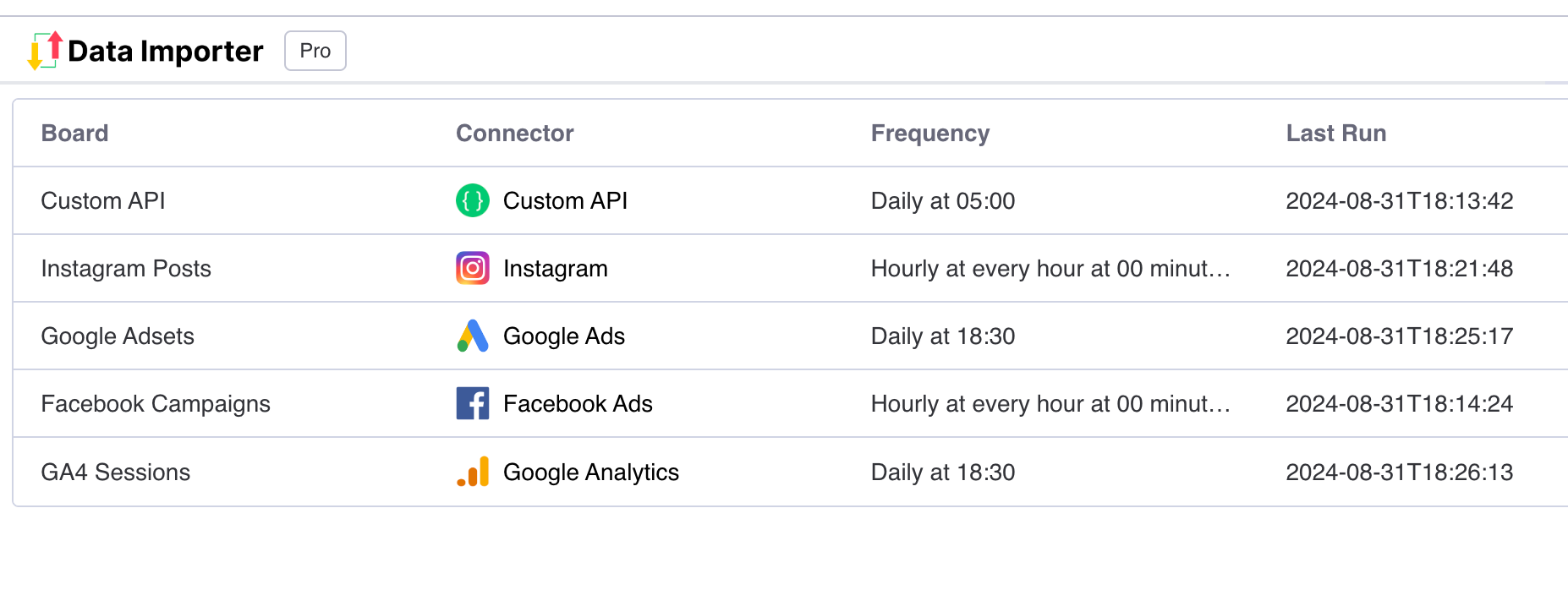
You can view all your scheduled imports in one table from all of your applications.